

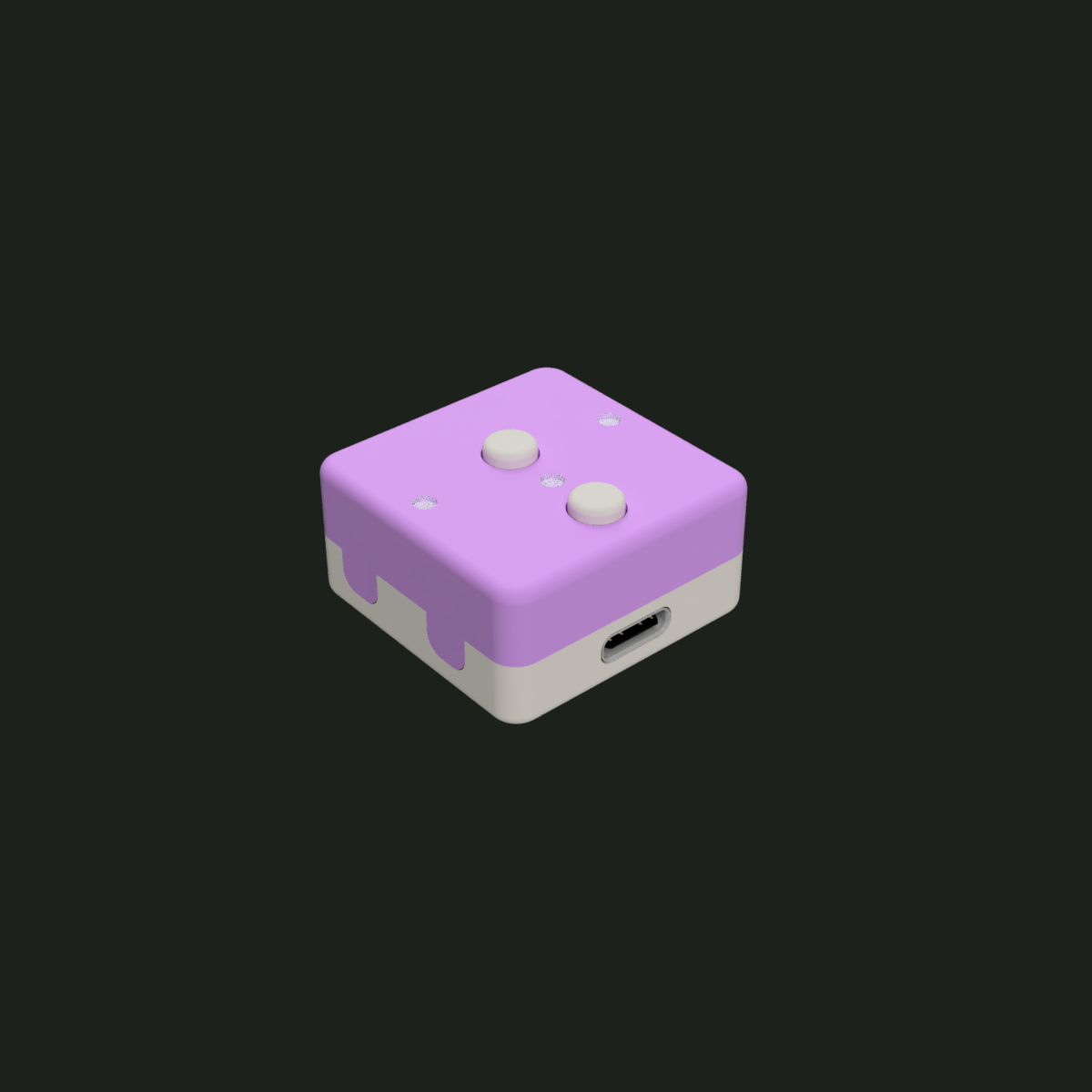
Physical controls
Two tactile buttons recognise single, double and hold presses, so each one can trigger more than one job. Just don’t hold both for 10 seconds unless you mean it. That resets Wi-Fi.
SCOOPY
Two physical buttons, three PWM status LEDs and mmWave presence sensing. USB-C powered, ESPHome based and designed for Home Assistant. Need something smaller? Scoopy Compact keeps the buttons and LEDs without presence sensing.
THE FIRST NODE
Two tactile buttons recognise single, double and hold presses, so each one can trigger more than one job. Just don’t hold both for 10 seconds unless you mean it. That resets Wi-Fi.
Set brightness individually, keep them gently dimmed, or use built-in pulse, flash and alert effects for useful status and locator lights.
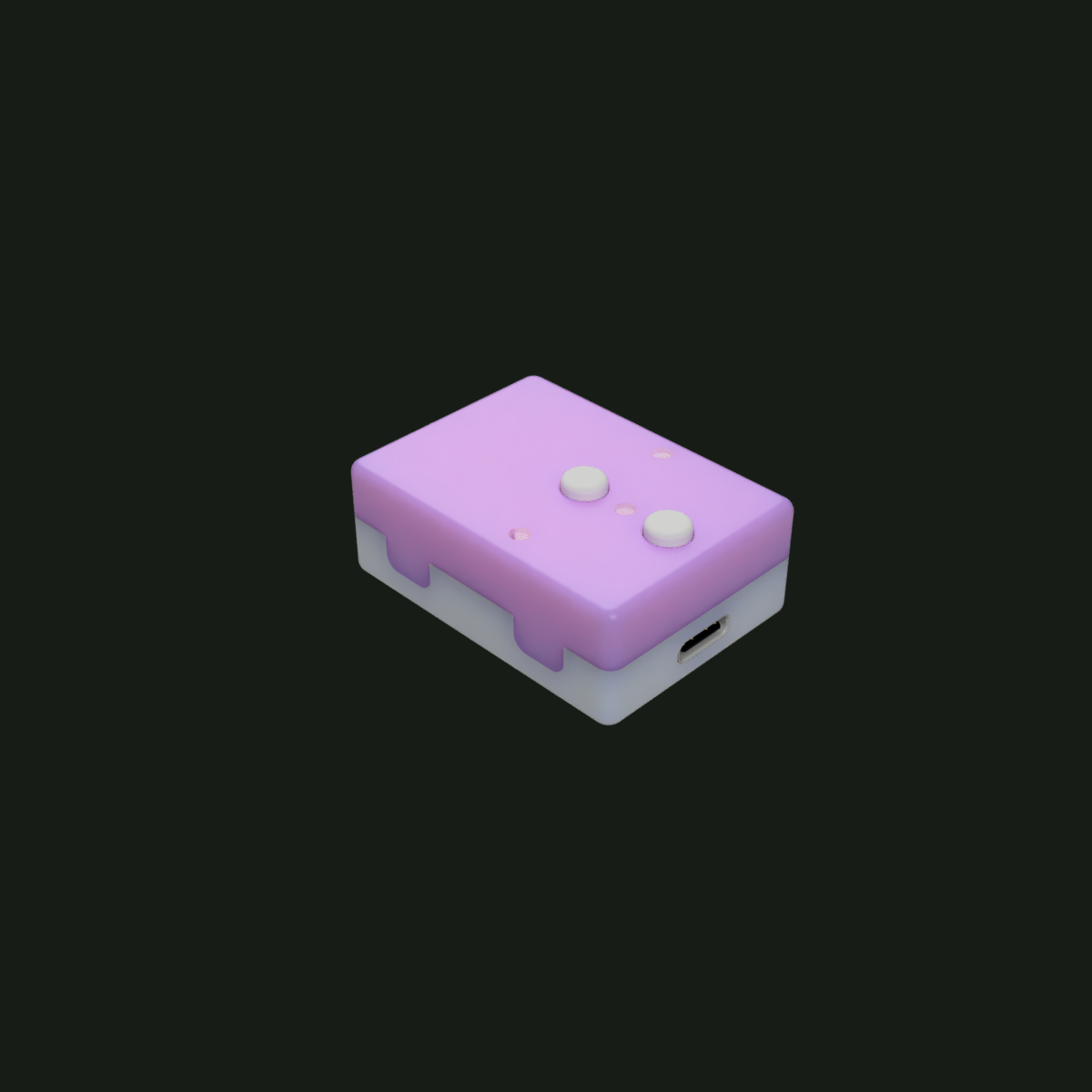
Scoopy uses mmWave sensing for room-aware automations, including detecting someone who is sitting still. Choose Compact when presence sensing is not needed.
Built around ESPHome and Home Assistant, with no cloud account required to make it useful.
PICK YOUR FLAVOUR
Pick one of the finished colourways below, or head to the shop and mix the lid, base and each button yourself.
 WatermelonFor her bedside table.
 SpearmintHide it in your plants.
 VanillaPractically IKEA camouflage.
 FudgePerfect for an oak desktop.
 AshFor people who own everything in grey.
 NeroFor the emo in you.
 SprinkleWhen ‘top button’ isn’t descriptive enough.
 Double FudgeWhen you really want to hide it on your desk.
ONE LITTLE NODE. LOTS OF JOBS.
Scoopy turns the things buried in dashboards and apps into something anyone in the room can just press, while its LEDs can quietly tell you what your home is doing.
Single press, double press or hold. One button can toggle the room, jump to full brightness or trigger a favourite scene.
Put a simple physical control next to your desk or bed instead of reaching for your phone.
One press can close the blinds, draw the curtains or run a whole evening routine.
Use an LED as a glanceable status light for a lock, alarm, garage door or anything else Home Assistant knows about.
Keep one LED gently dimmed as a locator, pulse it for attention, then switch it off automatically when you sleep.
mmWave presence can keep lights, heating or other automations active even while you are sitting still.
DESIGNED FROM THE INSIDE OUT
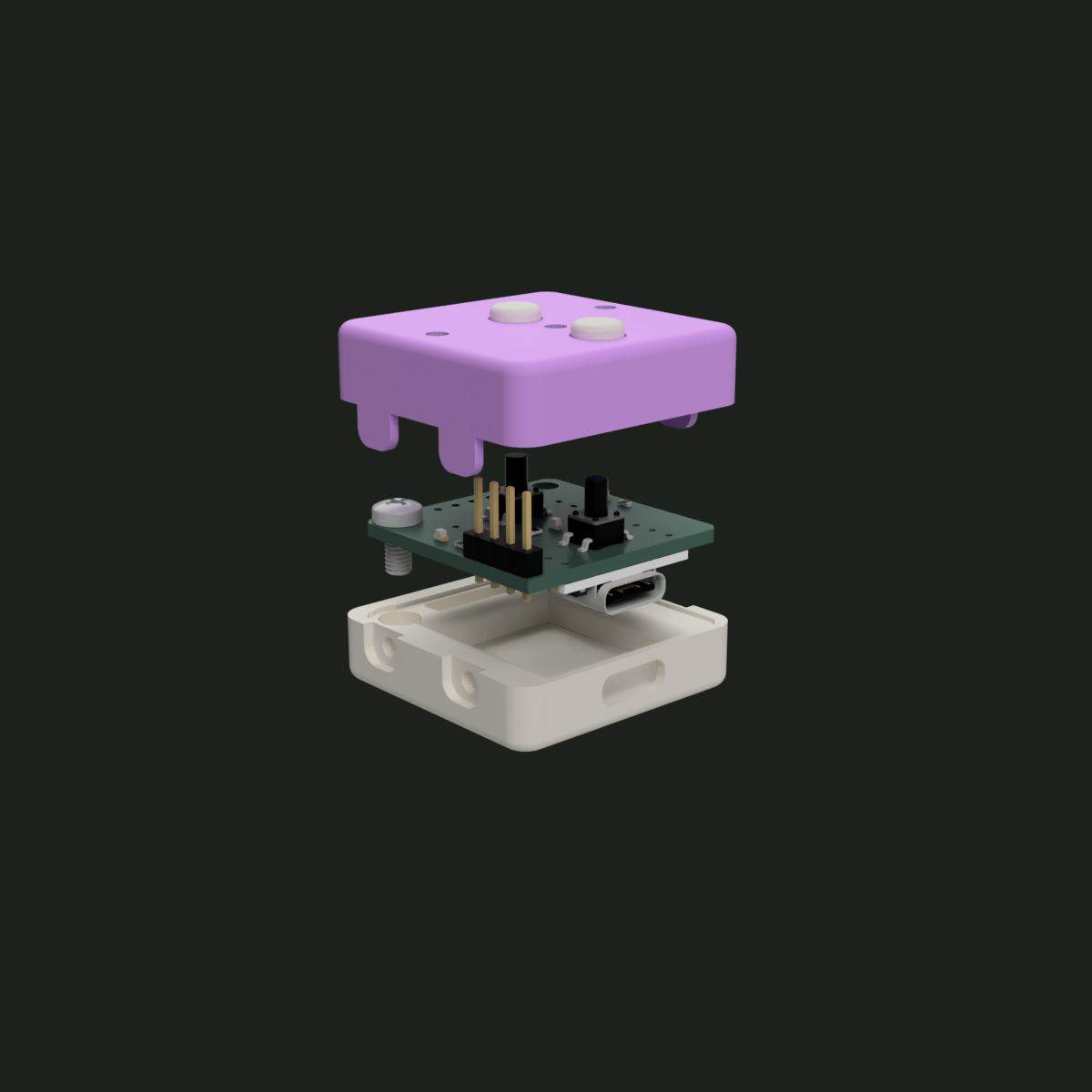
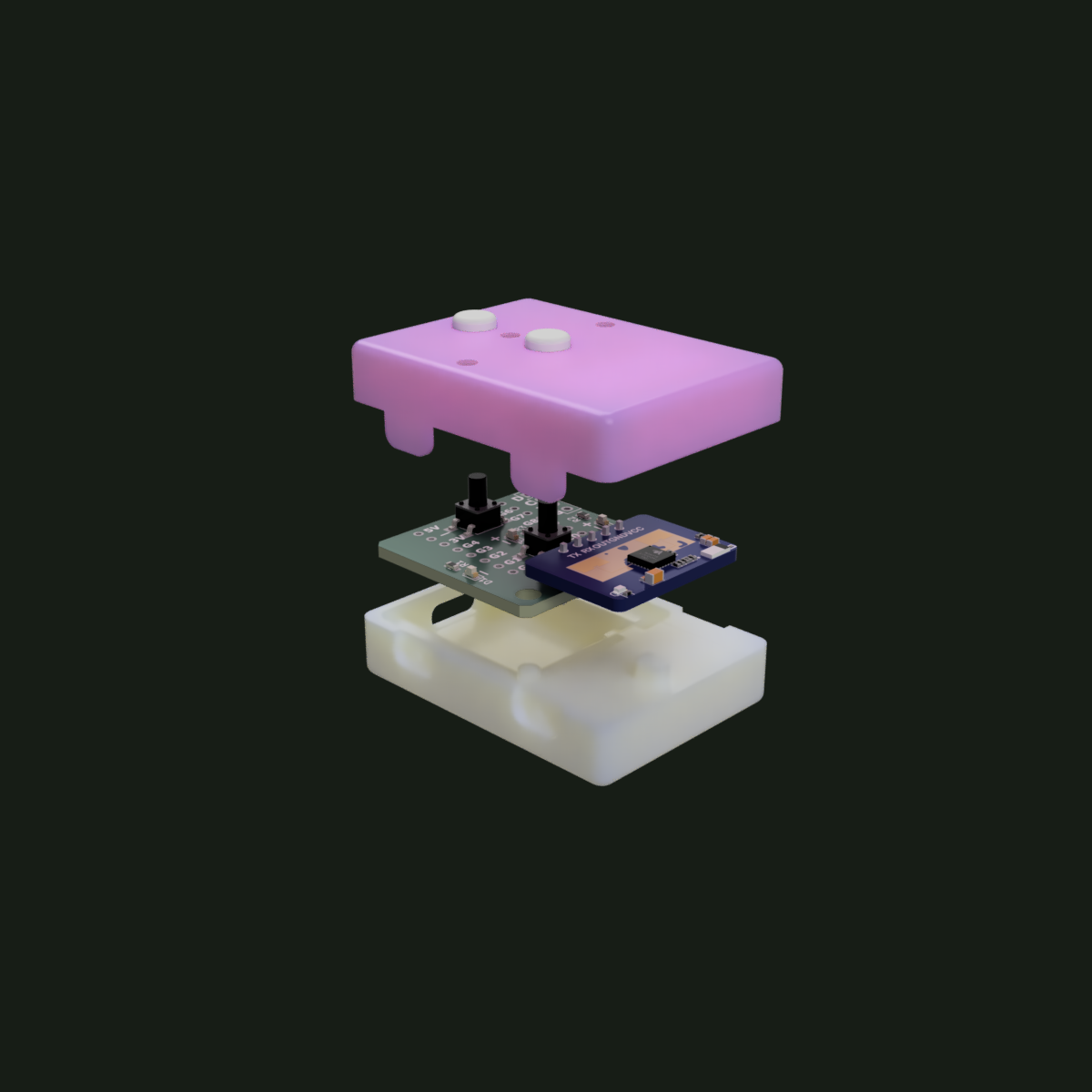
A compact ESP32-C3 board, USB-C power, tactile controls, status LEDs and mmWave presence sensing in an enclosure designed around the hardware. Scoopy Compact keeps the same low-profile design while removing presence sensing for rooms that do not need it.
BUILD YOUR OWN
Hardware, firmware and printable files are source available so you can inspect Scoopy, build one for yourself and modify it. Personal and non-commercial use is welcome; commercial manufacture or sale requires permission from Nice Hat Thanks.
KiCad source, Gerbers and the component bill of materials.
View on GitHub →Readable, editable firmware for Home Assistant with sensible defaults.
View on GitHub →Print-ready STL and 3MF enclosure files for Scoopy and Scoopy Compact.
MakerWorld · coming soonWHY NICE HAT THANKS
The goal is simple: smart-home hardware should feel dependable, unobtrusive and easy to understand.
That means small enclosures, local control, sensible defaults, clear documentation and hardware you can actually adapt.